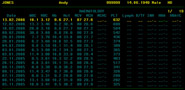
Proton has been with us for a quarter of a century, and many users are beginning to think about moving forward to a computerised clinical information system that reflects the needs of users in the 21st century. Over the years Proton has served us well, and in doing so it has absorbed huge amounts of data and represents a significant investment in knowledge and experience.
What is to become of that wealth of experience and the masses of data currently invested in Proton?
What we require is a migration path that provides a quantum leap in sophistication and ergonomics without jettisoning your investment in data and expertise. VitalData provides precisely that.
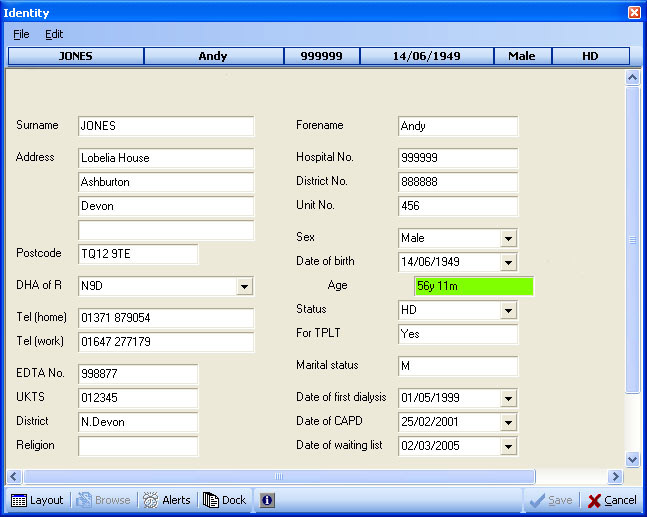
VitalData takes all the best elements of your Proton installation and converts it to a modern multi-tiered SQL database with an attractive and intuitive Windows user interface. We extract all the data you require from your Proton database, complete with screen designs, code tables, data derivations and migrate it into VitalData. During conversion we can massage the data and apply conversion to national standards, including the UK Renal Association timeline. We also ensure that all interfaces provided by us over the years are maintained at no extra cost. These include laboratory and PAS interfaces, dialysis machine networks, Microsoft Word, Excel and Access interfaces, and links to UK Renal Registry, Scottish Registry and UK Transplant. All these will continue to operate with VitalData.
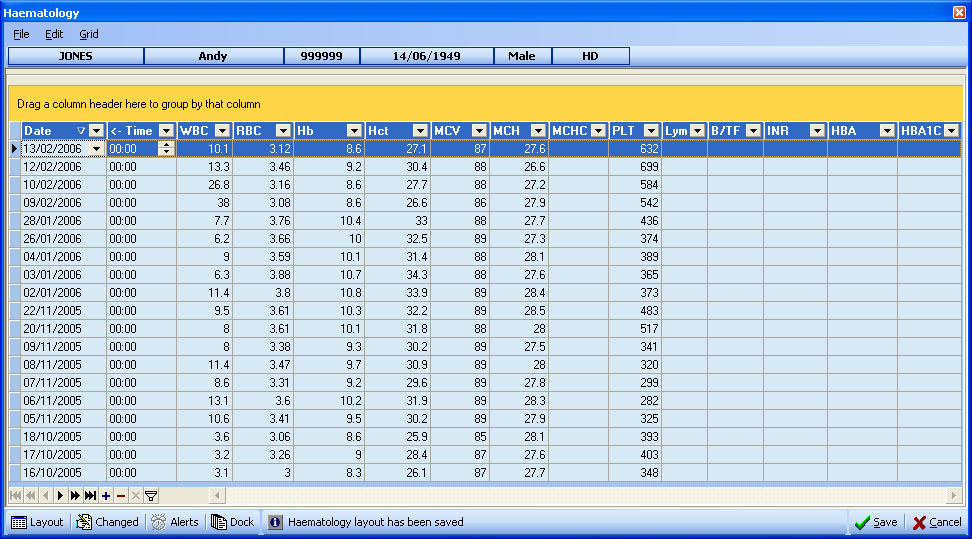
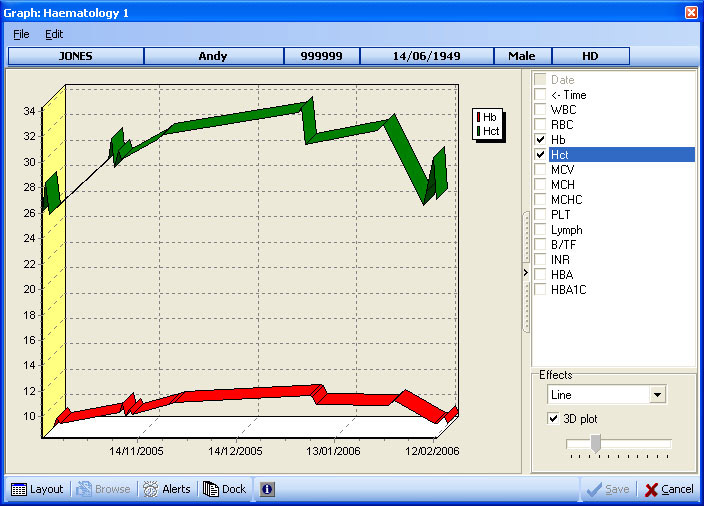
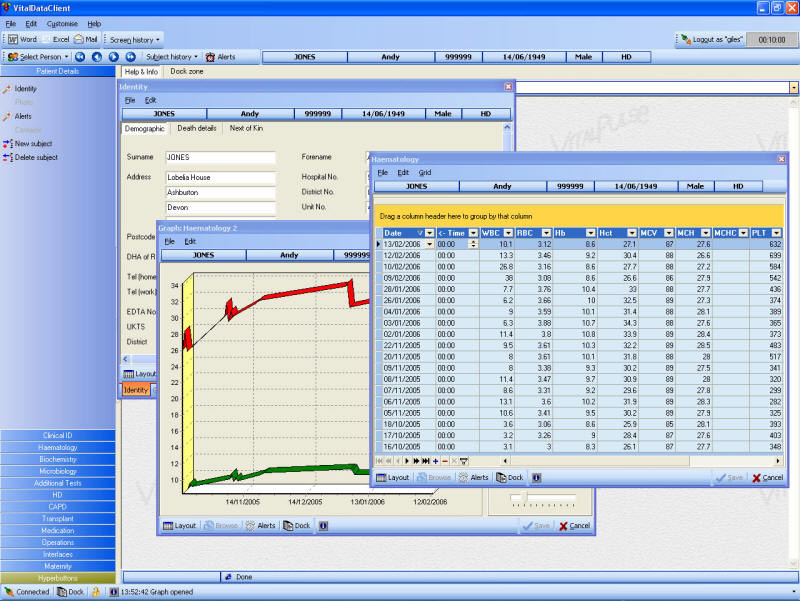
The layout and organisation of data will remain outwardly unchanged so that users will instantly recognise their data. Re-training is kept to a minimum. The menu system is uncluttered and intuitive, and contains visual cues to where data is present. Top level menus are always displayed, and the client is never left in a state where they feel lost in the depths of the database. They can open multiple data windows on the desktop, or dock them automatically for neatly managed tabbed access. On selection of a new patient all open windows are refreshed with the appropriate data.
Users can re-size and re-arrange their selection windows and save them under their user profile. They can even assemble collections of screens and assign them to their own fast access menus ("hyperbuttons") which open up all their chosen screens with the single a click on the mouse.
|