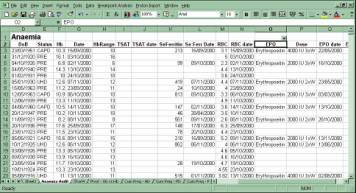
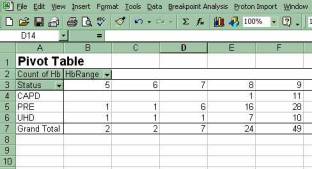
At last the Proton enhancement you’ve been waiting for. Now you can export any data straight into Microsoft Excel *.Columns headings, derivations, formulae, pivot tables and even charts can be fully automated giving you the most comprehensive and accessible data analysis tool for Proton - ever.
Released in December 2000, the uptake in its first month of sales was phenomenal, due partly to its sponsorship by Ortho Biotech. Ten systems ordered and half of them installed already. Ortho (Janssen Cilag) were so impressed by its ability to extract data from Proton and import it into Excel, and then to display predefined tables and charts, that they decided that they would sponsor any Proton unit that wished to obtain a copy for anaemia management. Actually, they fund the whole package, so it'll do more than just anaemia studies. To find out more about this offer call us or contact your local Anaemia Coordinator.
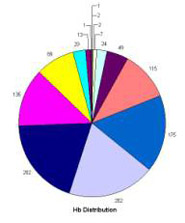
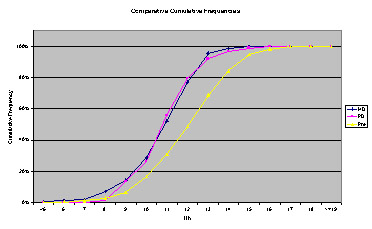
The Excel Interface will import any data from Proton. No changes to your Proton system are required, except perhaps a new menu item to make it more accessible. A suite of quarks produces specially designed data files that are sent over to your PC automatically by a new file transfer routine. The files contain patient data and embedded instructions defining how Excel should import, interpret, convert and display information. A new Excel add-in, developed by Vitalpulse, then interprets the file, imports the data displaying neatly headed columns, derived data, pivot tables, charts (pie, histograms and scatter-plots) and cumulative frequency distributions.
We are rather proud of this product and believe it will be one of our all-time best sellers.
All this for only £900 installation and £350 per PC/user. Ask for details about sponsorship by Ortho Biotech.
* MS Excel versions 97 and 2000 only. UNIX and VMS versions of Proton also require Reflections.
|